
AC Home Tech
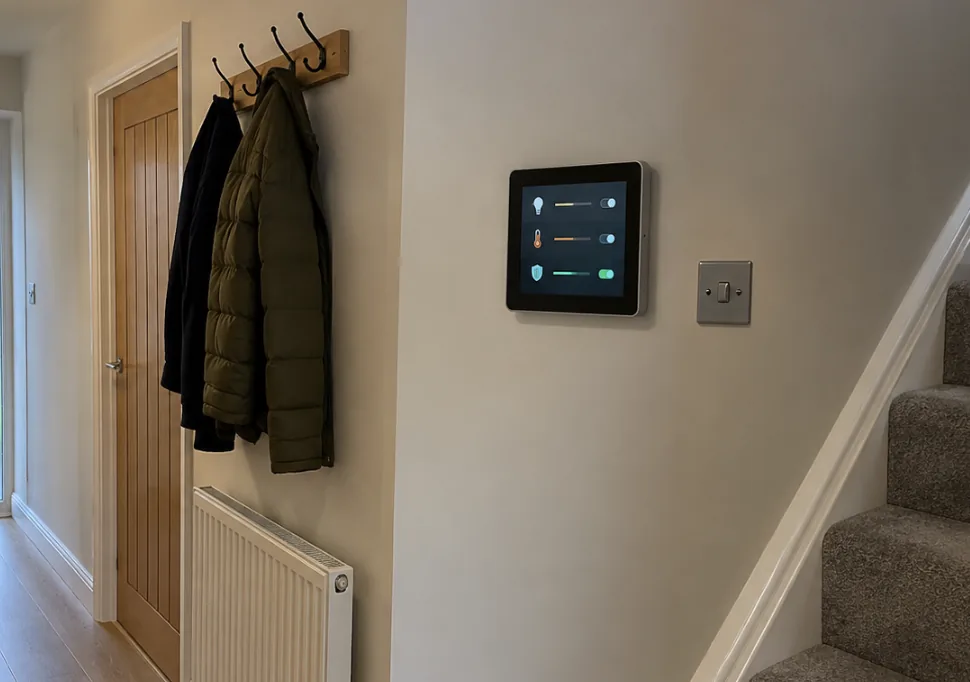
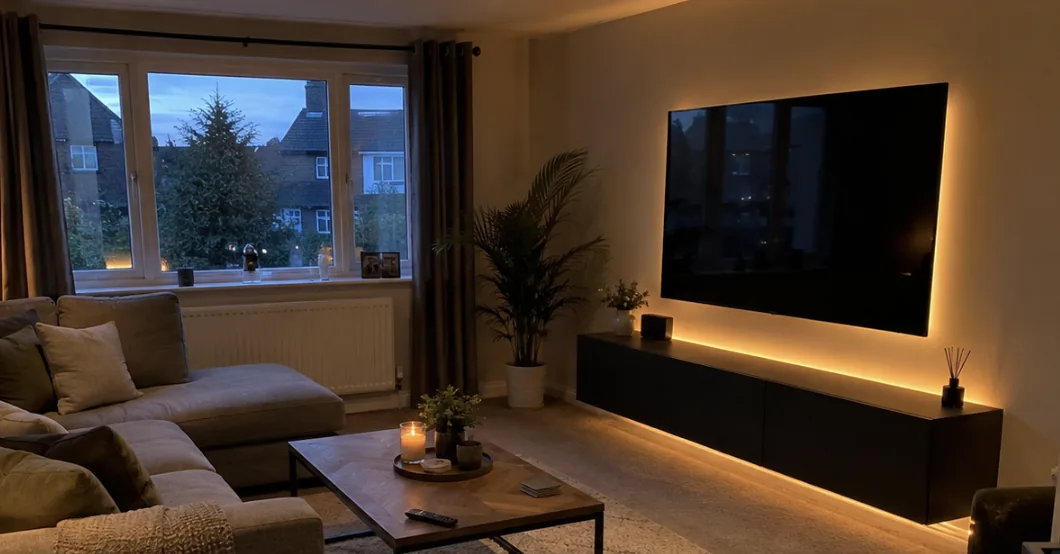
Living room in Kent with wall mounted TV and smart lighting

Whole house WiFi installation in Kent

Full signal in every bedroom, the loft conversion, the garden office and the end of the garden. Designed for your house, not a plug in booster from the supermarket.

Ubiquiti and TP Link OmadaWired access points, not boostersFree WiFi survey with a heat mapRated 5 stars on Google

See what one router actually covers

Toggle between a single router and a proper install. Same house, same broadband, very different result.

3 of 12rooms with a usable signal
Drops out past the hallwaywhat it feels like
Hall
Lounge
Kitchen
Garden room
Bed 1
Bed 2
Bath
Study
Loft
Bed 3
Landing
Office
FullGoodPatchyWeakNoneBlack dot: access point

WiFi and network services

From a single access point to a fully managed network with a rack in the cupboard under the stairs.

Whole house WiFi

Multiple access points that hand your phone from one to the next as you walk around. One network name, full speed everywhere.

Garden offices and annexes

A wired or wireless link to the outbuilding and its own access point, so video calls do not drop when the kettle goes on.

Rural and slow broadband

Starlink, 4G and 5G installations for properties where the landline broadband is hopeless. Often faster than fibre in town.

Wired networking

Cat6 to TVs, consoles, desks and cameras. Anything that does not move should be on a cable.

Secure and segmented

Guest networks for visitors, a separate network for cameras and smart devices, parental controls that actually work.

Fixes and upgrades

Dropouts, slow speeds, dead zones and old kit replaced. Diagnosed with a meter rather than guessed at.

How many access points would my house need?

A rough answer based on the size of the house. The survey with a signal meter gives the exact one.

Bedrooms
Floors
Outbuildings

Tip: run a speed test in the worst room and send us the number with your enquiry. It tells us more than the router model.

Suggested setup
2access points

Ubiquiti UniFi or TP Link Omada, ceiling mounted and wired back to the router, so every room gets full speed rather than a relayed signal.

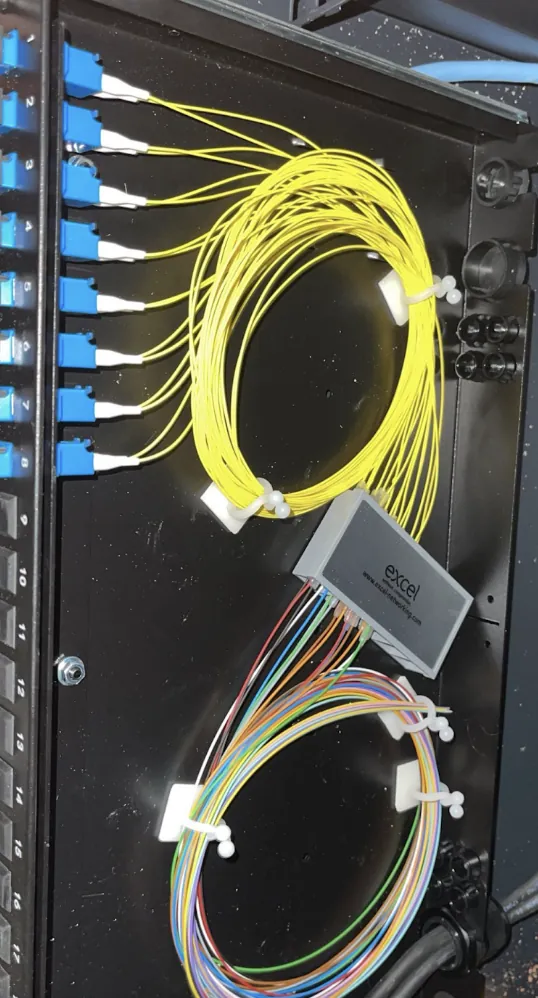
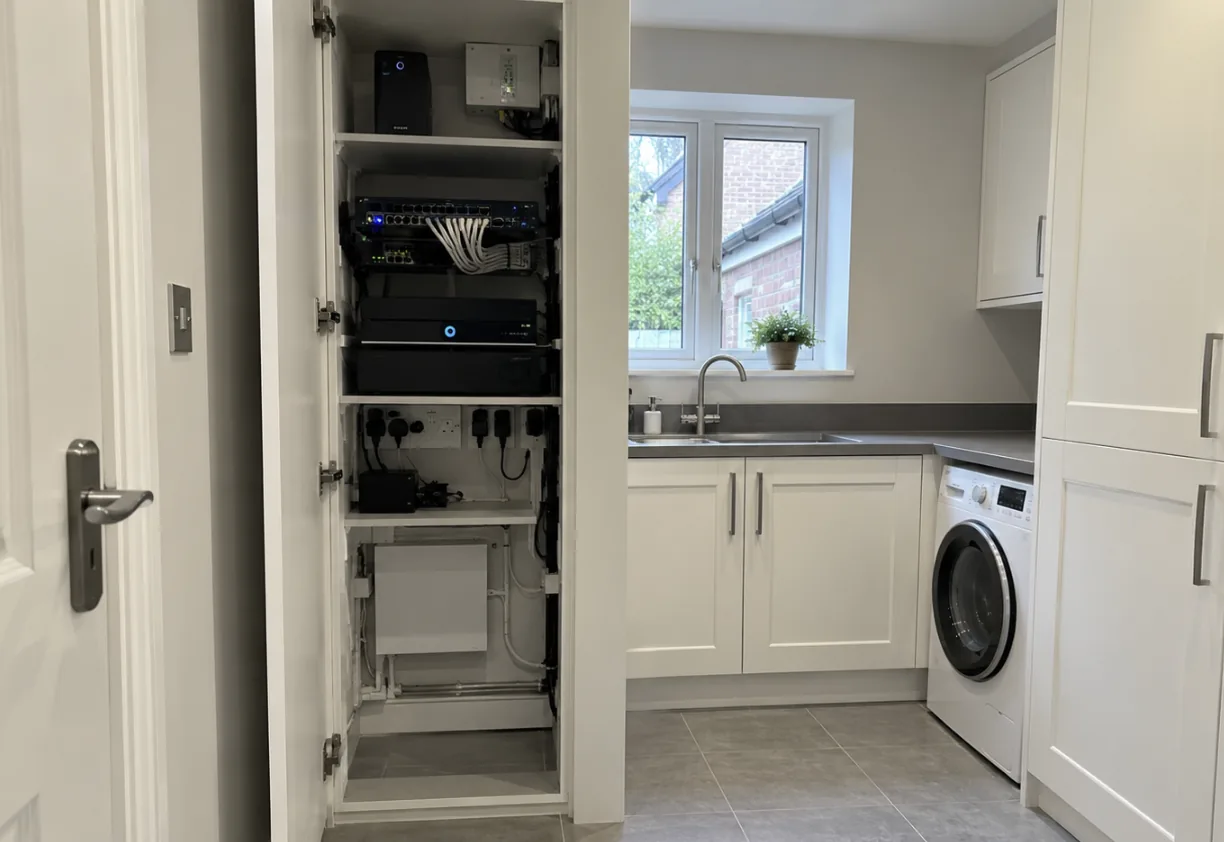
    Network cabinet installed neatly in a utility room

    Why the router in the hallway cannot cover your house

    One router is designed to cover a flat. Thick walls, extensions, three storeys and a garden office are beyond it, and boosters just repeat a weak signal. We survey the property, then fit ceiling or wall access points where the signal is needed, wired back to the router so every one of them runs at full speed.

    • Free WiFi survey with a heat map of where the signal actually reaches
    • Ubiquiti UniFi or TP Link Omada access points, discreet and ceiling mounted
    • Wired backbone in Cat6 so the access points never fight each other
    • Garden offices, annexes and outbuildings covered with point to point links
    • Guest networks, parental controls and separate networks for cameras and smart devices

    How a WiFi install works

    Survey

    We walk the property with a signal meter and finds the dead spots and the reasons for them. Free, takes about 45 minutes.

    Design and quote

    A plan showing where each access point goes and how it is cabled, with a fixed price. Usually sent the same day.

    Install

    Access points fitted, cables run and made good, the network configured and named sensibly. Most homes are done in a day.

    Test and handover

    Speed tested in every room you told us mattered, then set up on all your devices before we leave.

    WiFi terms without the jargon

    Access point
    A WiFi transmitter on the ceiling, wired to the router. Several of them give whole house coverage on one network name.
    Mesh
    Wireless units that relay to each other. Fine for a flat, weaker than wired access points in a house.
    Backbone
    The Cat6 cables running from the router to each access point, so the WiFi never has to relay.
    Guest network
    A separate WiFi for visitors that cannot see your devices.
    Ubiquiti UniFi
    The professional WiFi kit we fit most. One app, one login, every room.
    Starlink
    Satellite broadband for rural homes the landline cannot reach.

    One number, and we come back

    Call or WhatsApp 07938 115 168. Most faults are fixed remotely on the first call. If it needs a visit, we book it, we turn up, and workmanship is covered under our guarantee. You will never be passed to a manufacturer helpline on your own.

    • Most problems fixed remotely inside the first call
    • A visit booked if it needs one, with a time slot
    • Workmanship covered, hardware under manufacturer warranty
    • Care plan customers get priority booking

    WiFi and networking questions

    Will I need a new broadband provider?

    Usually not. Most WiFi problems are inside the house, not on the line. We fix the coverage first and only recommend changing provider or moving to Starlink or 4G if the incoming speed is genuinely the problem.

    Is mesh WiFi good enough?

    For small and medium homes, a wired mesh system like TP Link Deco works well. For larger or older properties, dedicated access points cabled back to a switch are far more reliable. We will recommend whichever suits the building, not the most expensive option.

    Can you cover my garden office?

    Yes. Depending on distance and whether there is a route for a cable, we either run Cat6 to the office or fit a point to point wireless link on the outside of both buildings. Either way the office gets its own access point and full speed.

    Does it cost a lot to run cables?

    Less than most people expect. A typical three access point install with cables run and made good is from around £650. The cabling is what makes the WiFi reliable, so it is money well spent compared to a shelf of boosters.

    Can you help with rural broadband near Dover, Romney Marsh or the Weald?

    Yes. We install Starlink and 4G or 5G routers with external antennas for properties where the landline speed is too slow to be useful. We check what signal is available before you commit to anything.

    How long does a WiFi install take?

    A typical three access point install is one day, including the cabling. A single access point is two to three hours.

    Can you use my existing router?

    Usually. We keep your broadband router and add access points behind it. If the router is the problem we will say so and quote a replacement.

    Brands we install and support
    Ajax authorised installerUniviewUbiquiti NetworksTP LinkNetgearConnectix Cabling SystemsExcel Networking
    Qualified, certified and DBS checked
    ECS electrotechnical certification schemeCNCI certified network cable installerFluke cable test technicianIPAFDBS checkedGate SafeConfined space trainedStreet works qualifications registerPearson BTEC

    Fix the dead spots for good

    A free survey takes under an hour and you get a plan and a fixed price the same day. Most installs are one day. Want it looked after afterwards? Ask about a home tech care plan.

    Book a free WiFi survey

    Tell us where the signal drops and we will come out with a meter and a plan.

    Please add your name
    Please add a phone number we can call
    That email does not look right
    A line or two about the job helps us price it

    No obligation. We reply personally, usually within the hour during opening hours. We never share your details and there are no sales calls. Privacy policy.

    Thank you, your enquiry has been received

    You'll get a reply within the hour during working hours. If it is urgent, call 07938 115 168.